Mods and themes for Claude Code
Make Claude Code show what it's doing, and look the way you want. Live lines above the prompt, guards, panes, games and Desktop themes. Each one is a small plugin built on Claude Code's function hooks. Install only the ones you want.
Install
Add the marketplace once.
claude plugin marketplace add hamzafer/claude-code-modsInstall any mod by name.
claude plugin install context-bar@claude-code-modsRestart Claude Code.
Needs Claude Code 2.1.287 or newer. A few mods need more, like Chrome, gh or a connector. Each mod's page says which. To try one without installing, clone the repo and run claude --plugin-dir mods/context-bar.
All 31 mods
See what's happening
Lines above the prompt and panes that show what Claude is doing.
- mission-controlLive map of agents, tool calls and the code they touch
/mission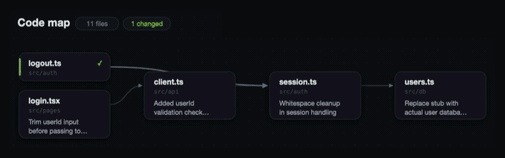
- context-barYour context window as one stacked bar, a color per category
/context-bar
- token-weatherContext fill from Clear to Compact soon, plus a prompt-cache countdown

- cache-clockA prompt-cache countdown under your status line, with hit rate and misses
/cache-clock setup
- where-am-iGoal, doing now, waiting on you, next step
/where
- next-steps2 or 3 likely next prompts after each turn, one key to draft one

- usage-meter5-hour and 7-day plan usage, the reset countdown and the session's cost

- heatmapA GitHub-style grid of your Claude Code time, with your streak and top projects
/heatmap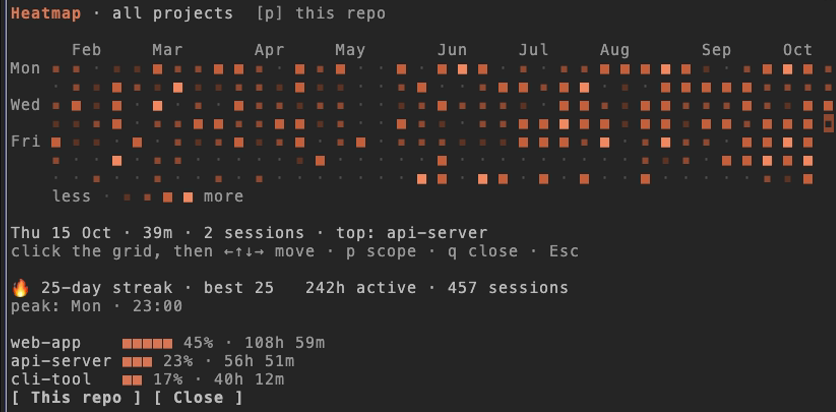
- openai-balanceYour OpenAI API credit, today's spend, where it went and the last call
/openai-balance
- openrouter-balanceYour OpenRouter credit, today's spend and where it mostly went
/openrouter-balance
- agent-radarOne live line per running subagent (with its model) or background shell
/radar
- review-watchOne live line per running code review, Codex or a review subagent

- browser-lanesWhether this session has a browser, and who holds it
/browser
- prayer-timesThe current prayer and how long is left, the next one, and zawal
/prayers
- replay-theaterSteps through the last turn's edits, one diff at a time
/replay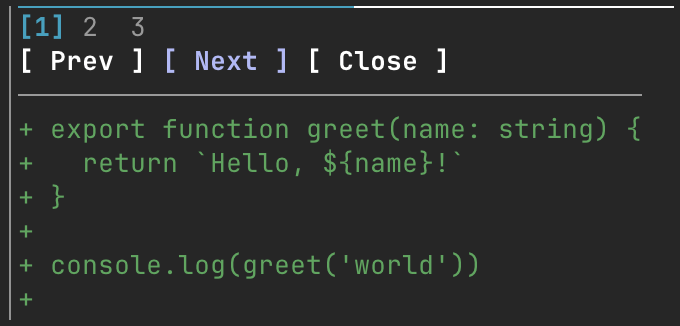
- md-previewMarkdown rendered like GitHub, before and after side by side
/md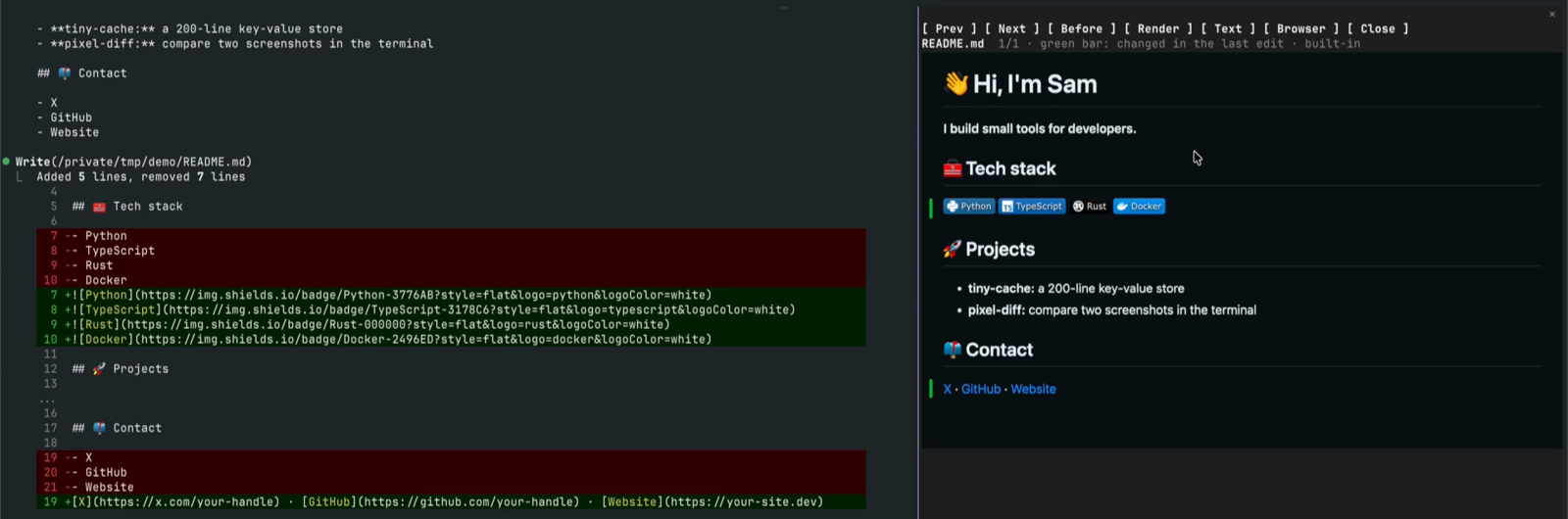
Spend less
Puts each subagent on the model the job needs.

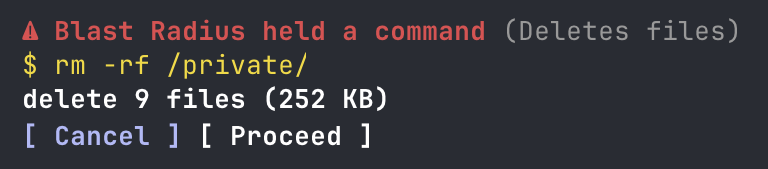
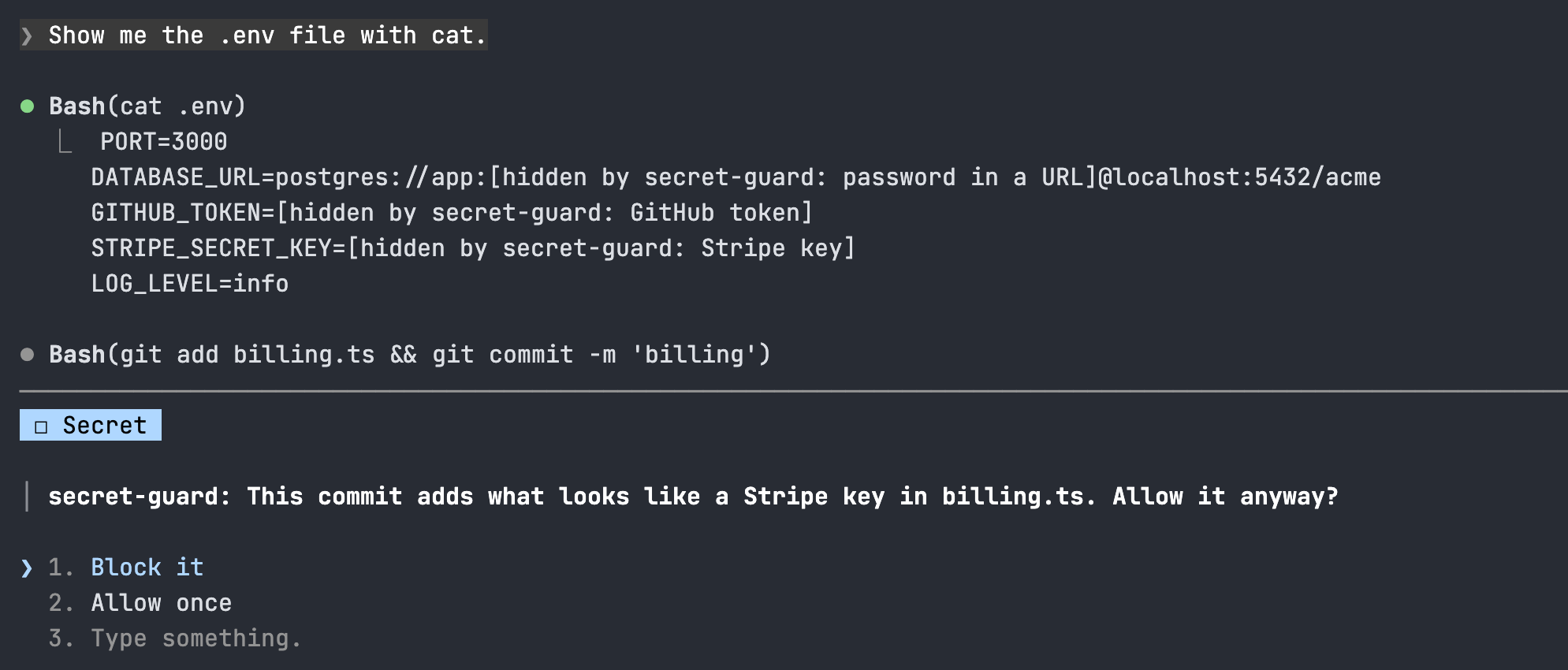
Guard your repo
Stops a risky command or a leaked key before it lands.
Fork and adapt
Built around one person's tools and rules. Fork them and change the rules to yours.
- glanceNext meeting, PRs, Linear issues and Slack DMs in one line
/glance
- merge-gateHolds gh pr merge until CI is green and Codex reviewed once
/gate
- rulebook-guardRewrites em dashes, asks before --amend, unformatted pushes and personal info

- session-saverSaves where you left off and shows it on resume
/park
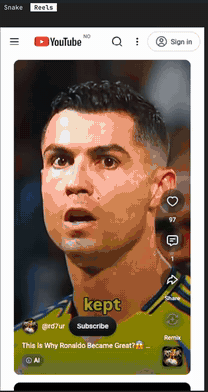
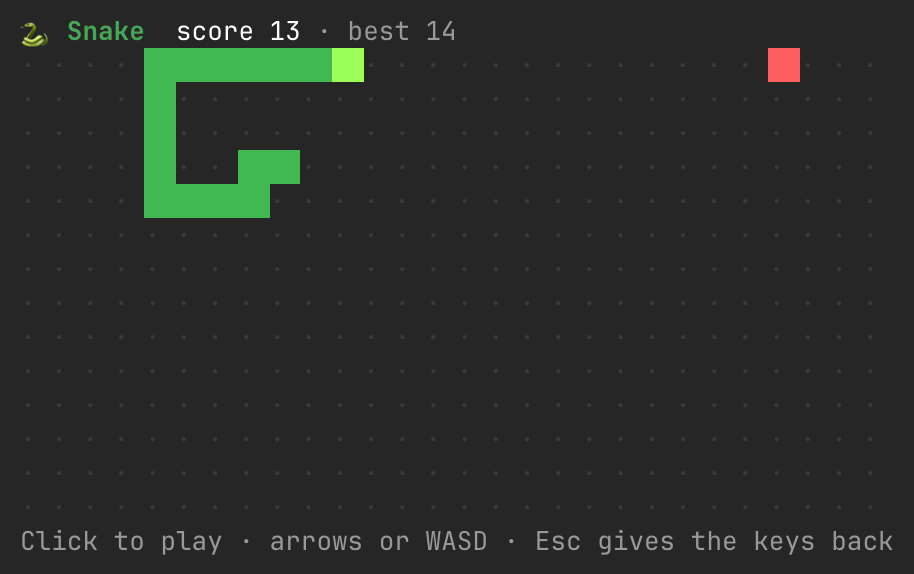
For fun
Opt-in. Nothing opens until you ask.

Themes
Claude Code themes for the Desktop app. They change how the Code tab looks and apply as soon as they're installed. Turn on one at a time: each sets the whole look.
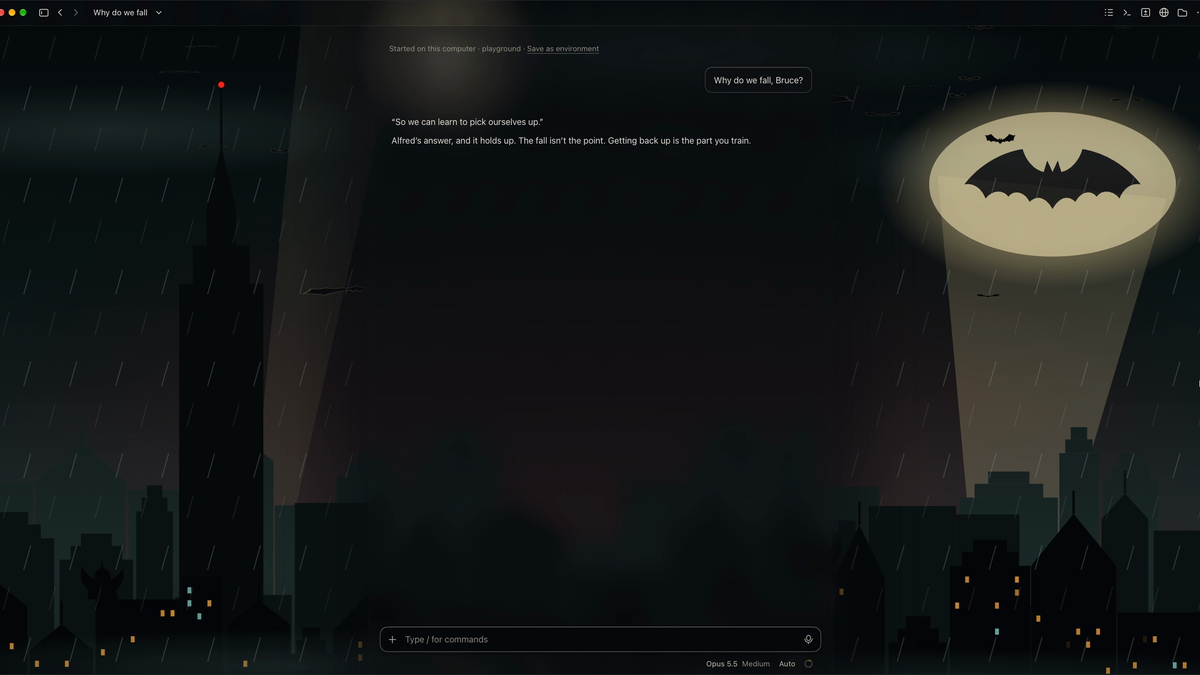
- gotham-nightA Gotham theme: searchlights while Claude works, the signal and bats when it needs you
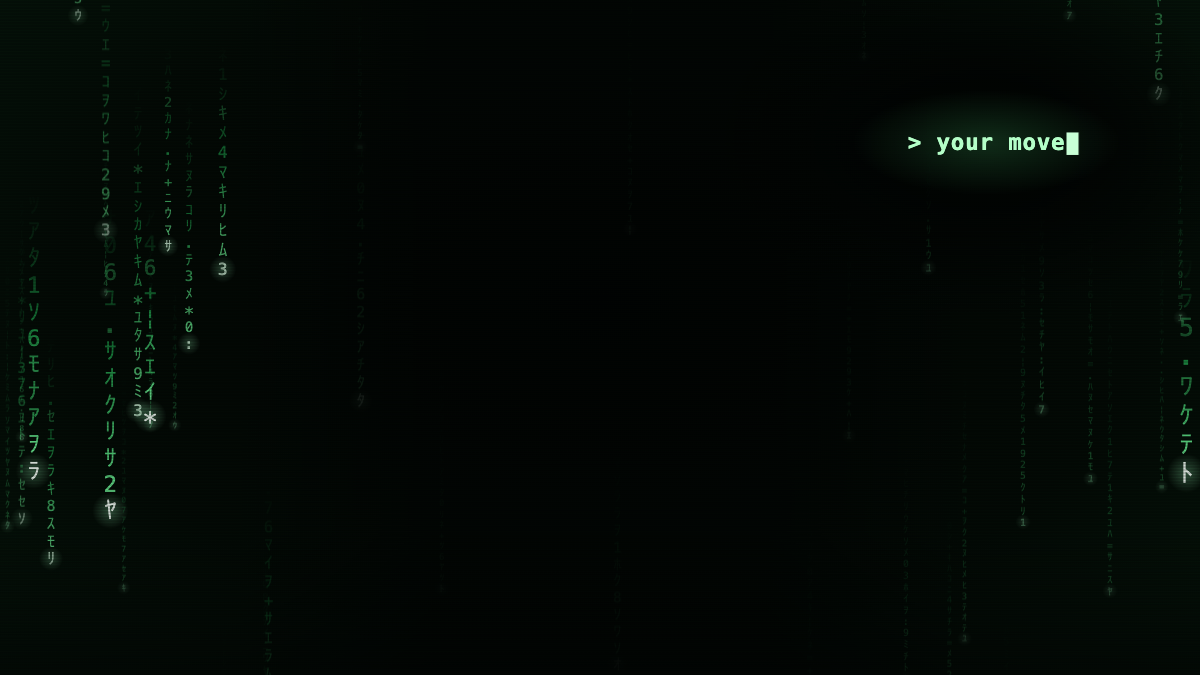
- matrix-modeA Matrix theme: code rain while Claude works, a waiting cursor when it needs you
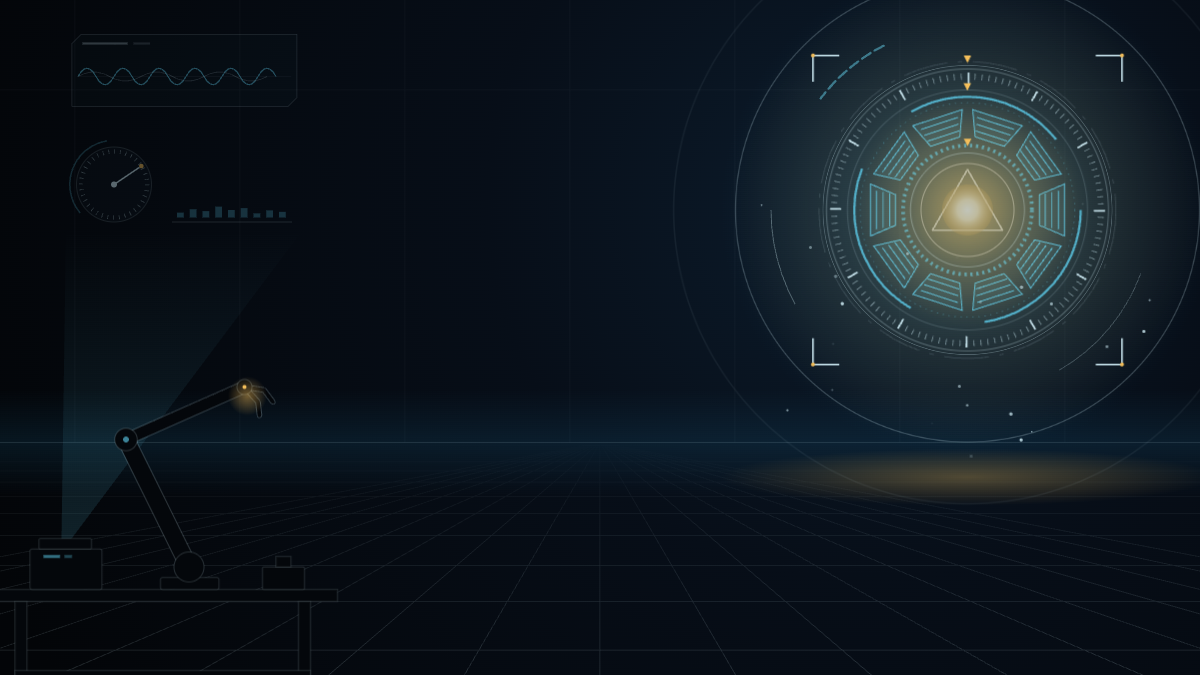
- stark-labA JARVIS theme: a spinning arc reactor while Claude works, a gold flare when it needs you
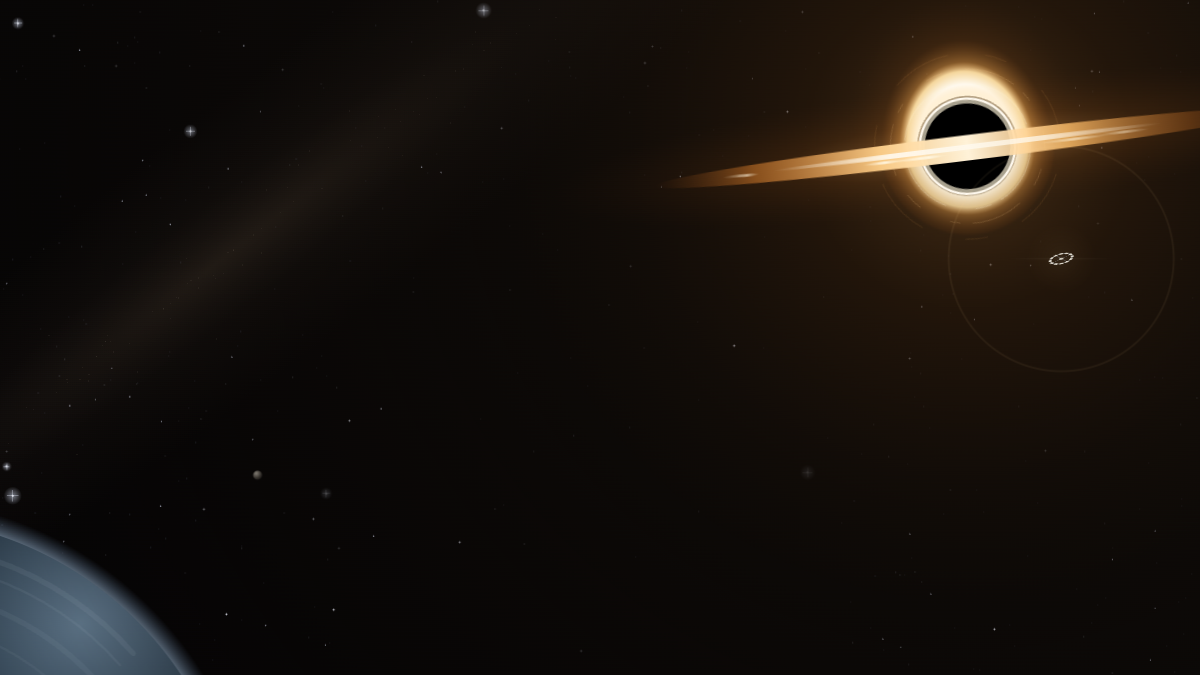
- interstellarAn Interstellar theme: a black hole turns while Claude works, a ship hails you when it needs you
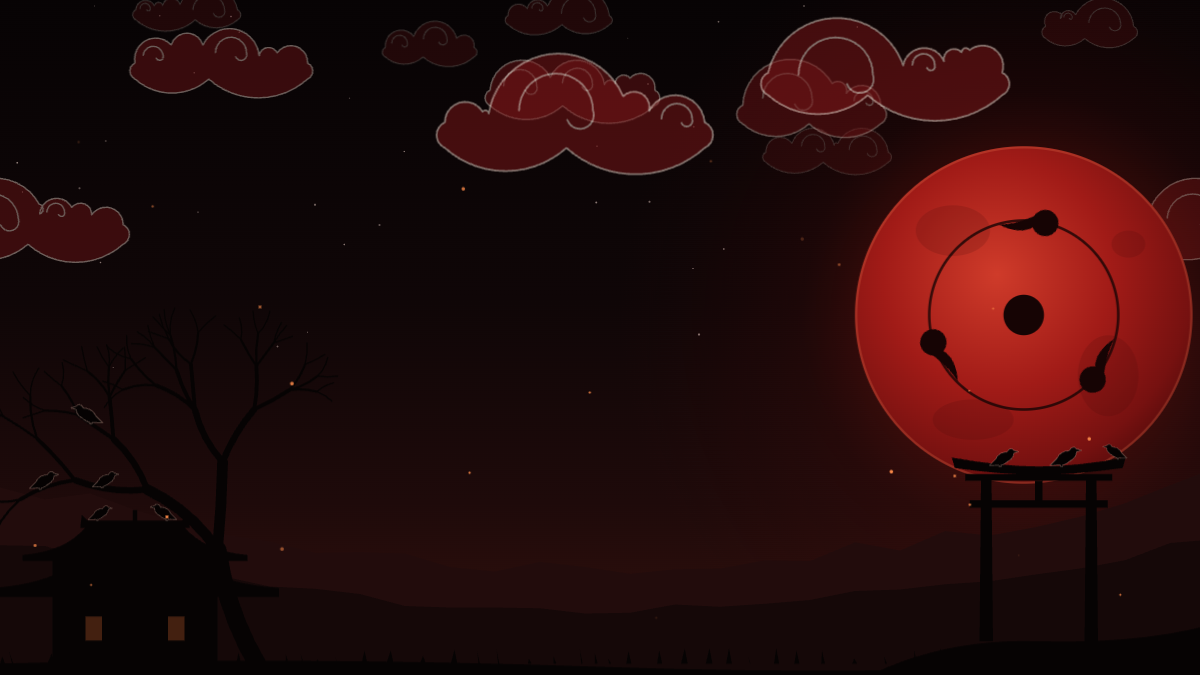
- akatsuki-nightAn Akatsuki theme: one scene, red clouds and a blood moon with a turning eye
Community pick
image-view by @jarrodwatts shows the images you paste into Claude Code as thumbnails above the prompt, instead of bare [Image #1] tags. It lives in the author's own marketplace, so read the code before you install.

claude plugin marketplace add jarrodwatts/claude-image-viewclaude plugin install image-view@claude-image-viewBuild your own
A mod is a plugin made of function hooks: it can draw a line above the prompt, open a pane, show a toast or stop a tool call. Start from Getting started with Claude Code mods. The checks and the new-mod checklist are in CONTRIBUTING.md.